

Business Profile Customisation
You can personalise your Google Business Profile with images, business hours, and contact details to better engage potential customers.

Unlocking the full potential of your Google Business Profile doesn’t have to come at a cost. This page explores the array of free features available to businesses aiming to boost their online presence without additional expense. From managing your business information to engaging with customers, these tools provide valuable opportunities to enhance visibility on both Search and Maps.
Understanding and utilising these features effectively can set your business apart in a competitive digital landscape. Whether you’re new to Google Business Profile or looking to optimise your existing listing, this guide offers practical insights to help you make the most of what’s freely available.
Free Google Business Profile AuditYou can personalise your Google Business Profile with images, business hours, and contact details to better engage potential customers.

Responding to and managing customer reviews on GBP helps build trust and demonstrates your commitment to excellent service.
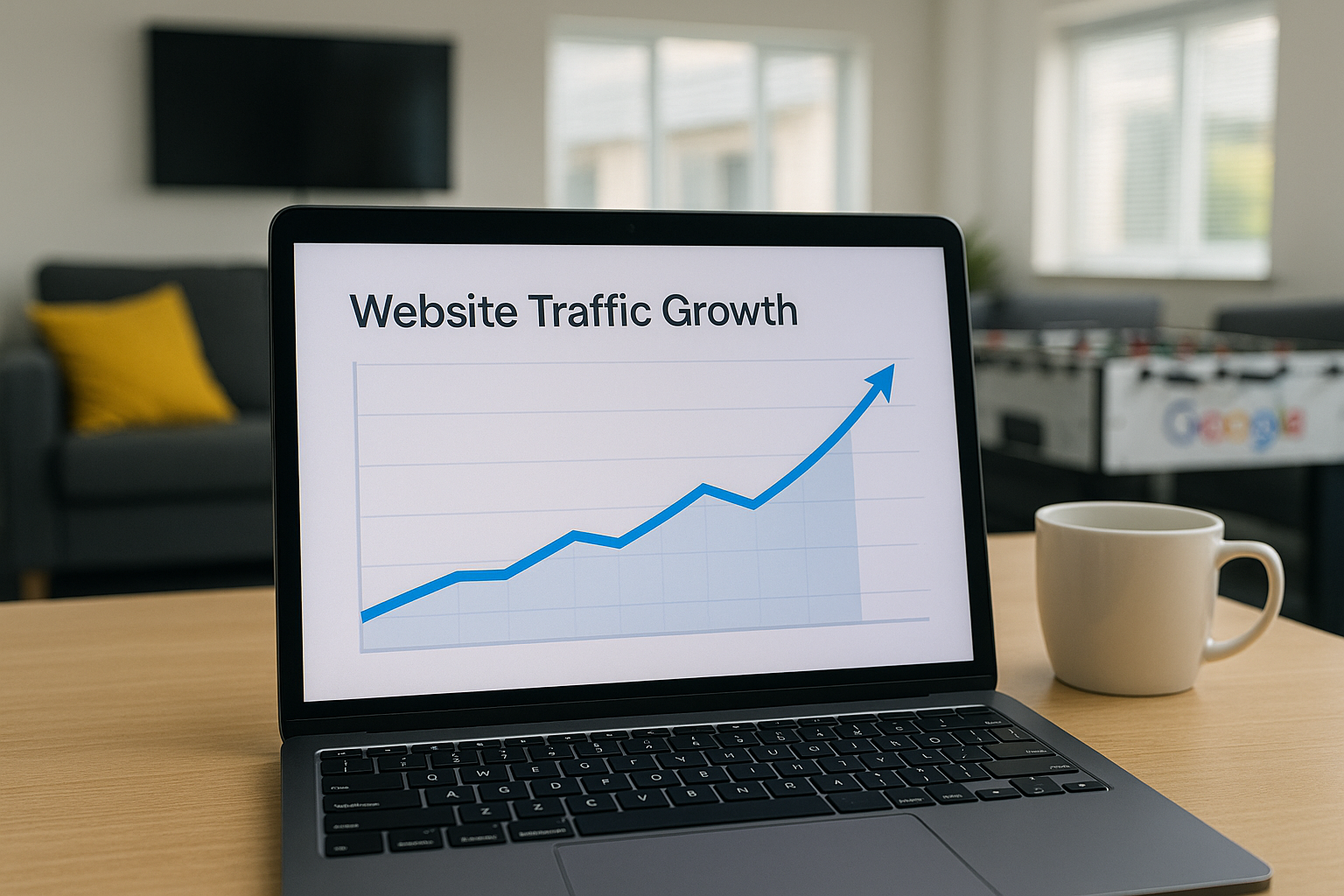
Regularly publishing posts allows you to share news, offers, or events directly on your profile, keeping your audience informed.
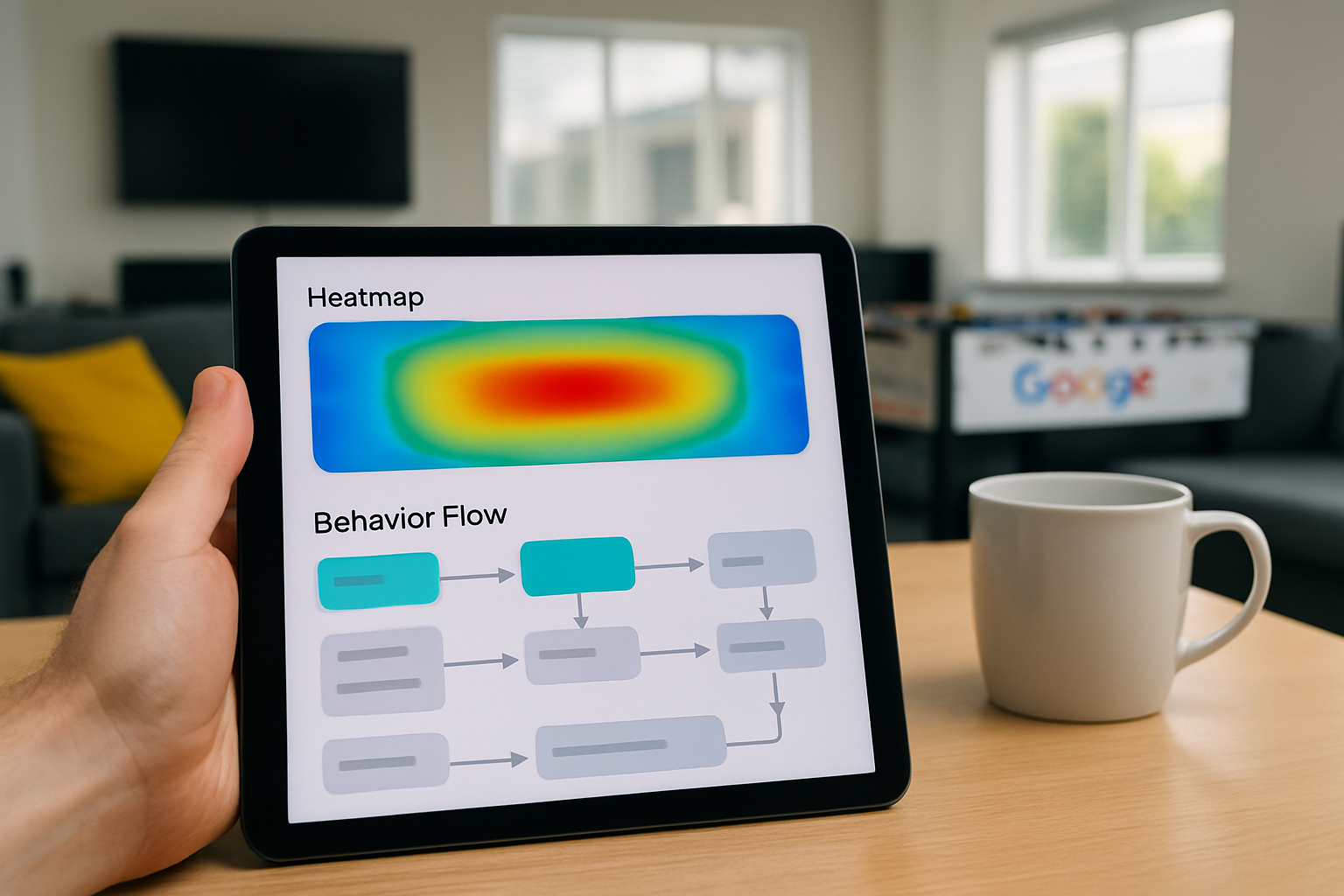
Google provides valuable data on how customers find and interact with your profile, enabling smarter marketing decisions.
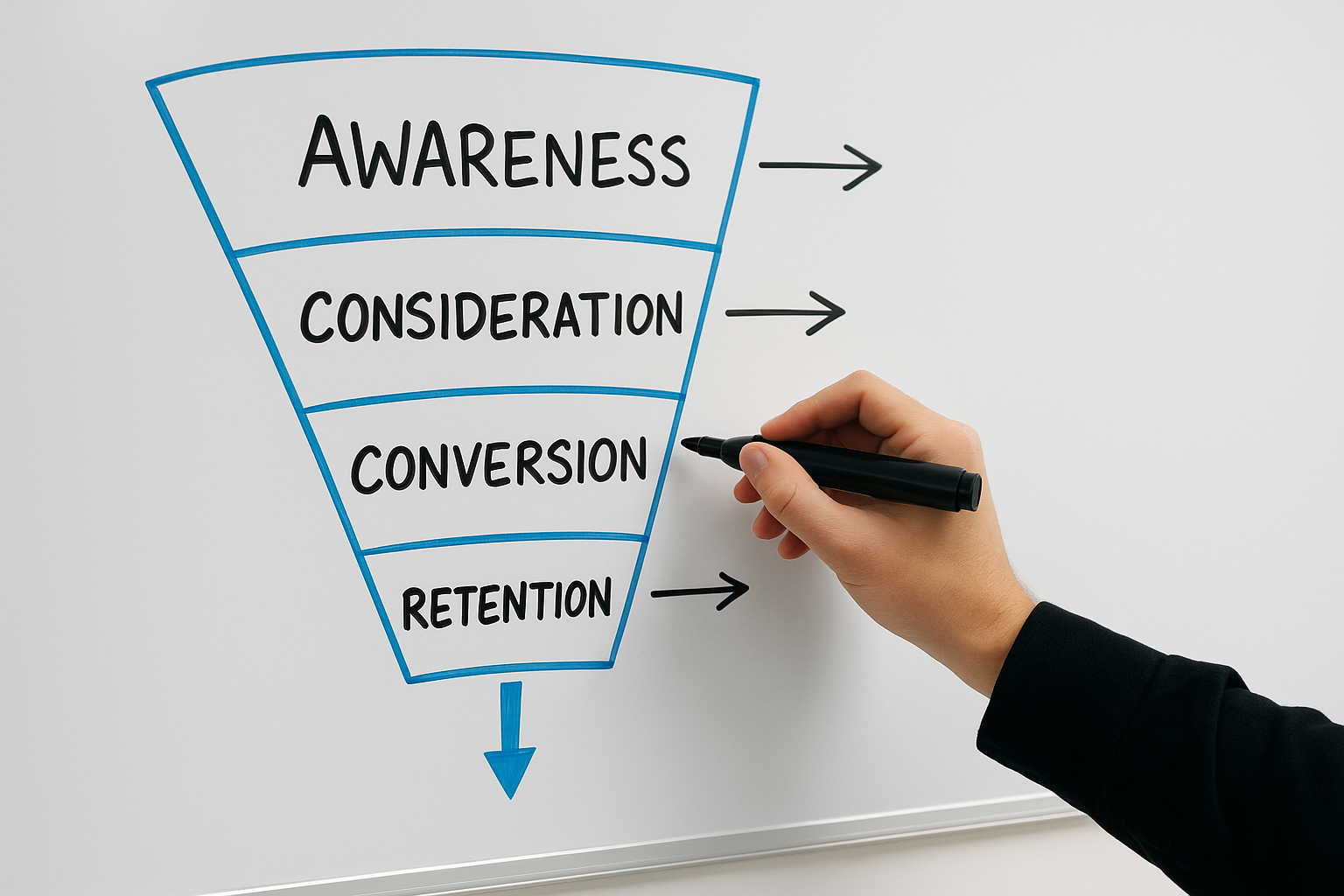
You can communicate directly with customers through GBP's messaging tool, offering a convenient way to answer inquiries swiftly.
Integrate appointment booking features with your profile to streamline customer interactions and increase conversion potential effortlessly.
Starting with Google Business Profile is straightforward and an excellent way to boost your local online presence. First, visit the official Google Business Profile website and sign in using your Google account. If you do not have one, creating a Google account is quick and free. Once logged in, you will be prompted to enter your business name and address to check if it already exists in Google’s system.
Next, claim your business or create a new listing by providing accurate details such as your business category, contact information, and opening hours. Verification is a crucial step; Google will typically send a postcard with a code to your business address, ensuring that you are the legitimate owner. Once verified, you can start adding photos, respond to reviews, and update your profile regularly. These simple yet effective steps allow you to leverage free features to increase your visibility on Search and Maps.
Over 80% of local searches lead to a business profile, making GBP’s free features vital for visibility.

One common error when using Google Business Profile’s free features is neglecting to keep your information up to date. Inaccurate or outdated details can mislead potential customers and damage your credibility. Ensuring your contact information, opening hours, and services remain current is essential for maintaining trust and visibility.
Another critical mistake is ignoring customer reviews. Responding promptly and professionally to feedback not only demonstrates excellent customer service but also improves your profile’s relevance on Search and Maps. Failing to engage with reviews means missing valuable opportunities to build rapport and enhance your online reputation.
Our expert guidance ensures you make the most of GBP’s free features, boosting your visibility and attracting more customers effortlessly. Let us help you grow your online presence today.
Get Your Free Google Business Profile Audit