

Account Credentials
Ensure you have your correct Google account email and password to access your Google Business Profile securely and efficiently.

Accessing your Google Business Profile (GBP) is a crucial step in managing your online presence and enhancing local visibility. Whether you’re a new user or looking to update existing information, signing in to GBP allows you to oversee your business details, respond to reviews, and connect with customers effectively.
This guide provides clear, step-by-step instructions to help you sign in securely and make the most of your Google Business Profile. By following these simple procedures, you’ll ensure your business information is accurate and appealing to your local audience.
Free Google Business Profile AuditEnsure you have your correct Google account email and password to access your Google Business Profile securely and efficiently.

Only verified profiles allow full access, so verify your business to manage information and communicate with customers effectively.
Enable two-factor authentication for added security, protecting your profile from unauthorised access and potential data breaches.
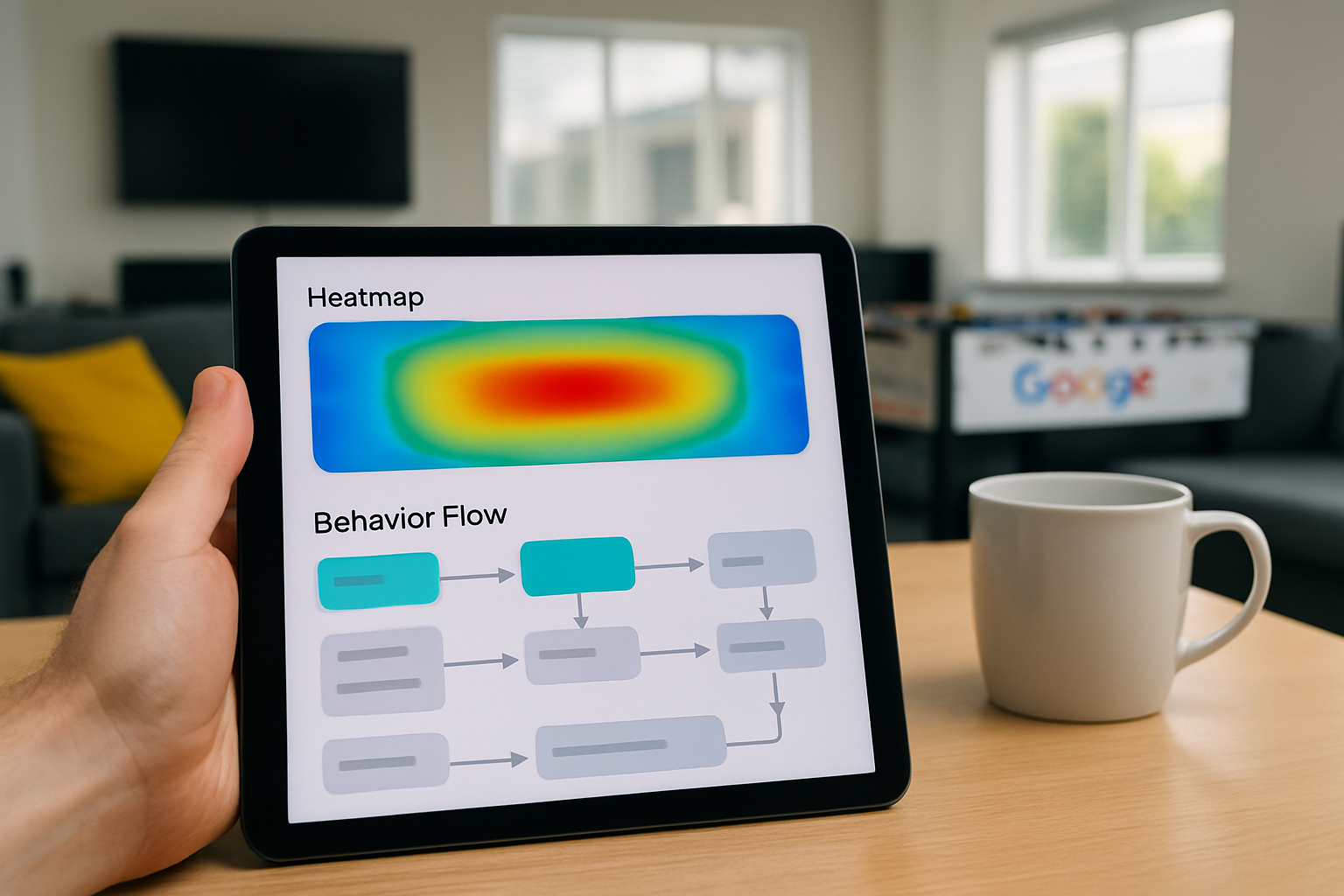
Understand different user roles and permissions to control who can make changes or respond to reviews on your profile.
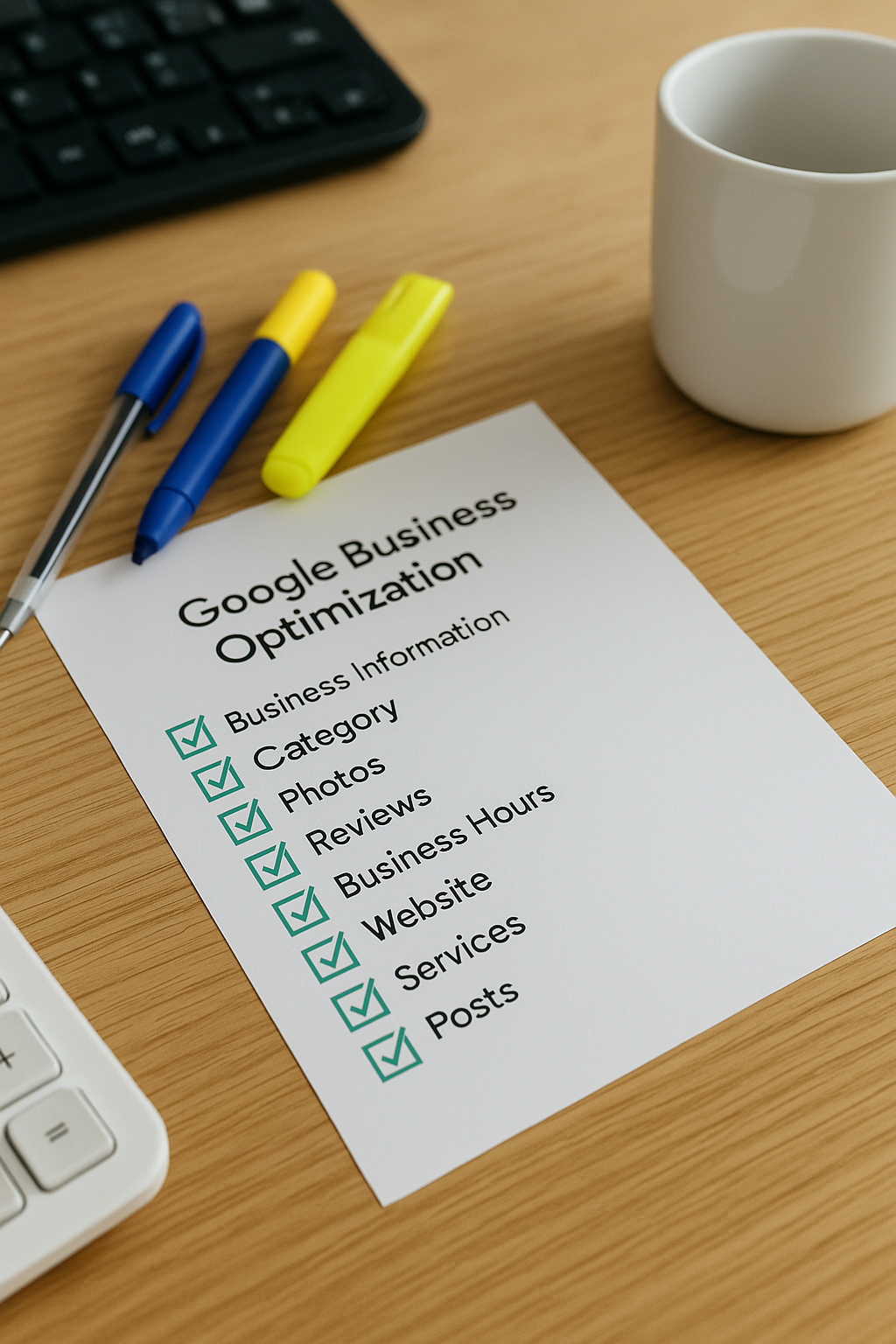
Familiarise yourself with Google's management dashboard to efficiently update business details and monitor customer interactions.

Prepare for potential login issues by setting up recovery options such as alternate emails and phone numbers for swift account retrieval.
To begin managing your Google Business Profile (GBP), the first step is to ensure you have a Google account. If you do not already have one, setting up a Google account is quick and straightforward. Once logged in, visit the Google Business Profile sign-in page and enter your credentials.
Next, verify that your business is listed correctly on Google. If it’s not yet registered, you can add your business details through the GBP dashboard. Accurate and up-to-date information enables your business to appear prominently in local searches. Remember to provide all relevant data such as business name, address, contact information, and opening hours.
Finally, take some time to explore the GBP interface and familiarise yourself with its features. Regularly updating your profile with photos, posts, and responding to reviews will help enhance your business’s visibility and engagement with potential customers.
Signing into Google Business Profile helps businesses manage local info, improving visibility and customer engagement online.
One of the most critical errors users make is attempting to sign in with an incorrect or outdated email address. Using the wrong account can prevent access to your Google Business Profile, leading to confusion and delays in managing your business information. Always verify that you’re using the email linked to your GBP before beginning the sign-in process.
Another common mistake is neglecting to keep your credentials secure and updated. Sharing login details or using weak passwords exposes your profile to unauthorised access, threatening your business’s online reputation. Prioritise strong, unique passwords and consider enabling two-factor authentication for enhanced security.
Our expert support ensures you sign in securely and optimise your profile, helping you attract more local customers and grow your online presence effectively.
Get Your Free Google Business Profile Audit