
Accurate Business Information
Ensure your business name, address, and phone number are consistent and precise to help customers find you easily on Google Maps.

Adding your Google Business Profile (GBP) to Google Maps is a vital step towards boosting your local presence and attracting more customers. By ensuring your business appears accurately on maps, you enhance your visibility and credibility within your community, making it easier for potential clients to find and connect with you.
This guide will walk you through the simple process of setting up and verifying your GBP, providing helpful tips to maximise your profile’s effectiveness. With our expert assistance, you can confidently showcase your business where it matters most.
Free Google Business Profile AuditEnsure your business name, address, and phone number are consistent and precise to help customers find you easily on Google Maps.

Completing Google's verification confirms your business's legitimacy and allows full access to your GBP dashboard features and insights.
Use a clear, concise description incorporating relevant keywords to attract local customers and improve your listing's search performance.
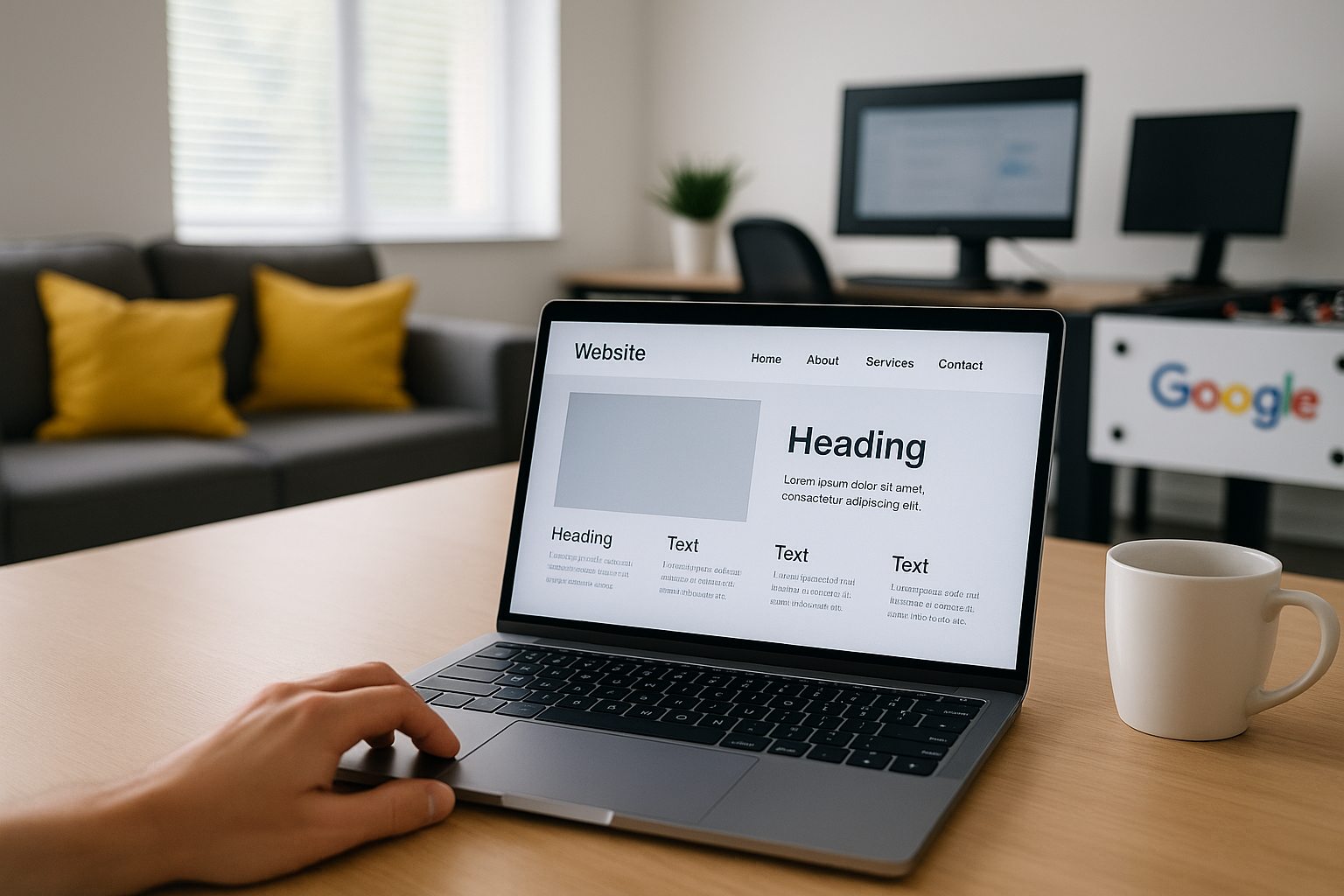
Including high-quality images and videos builds trust and offers potential customers a genuine view of your premises and services.
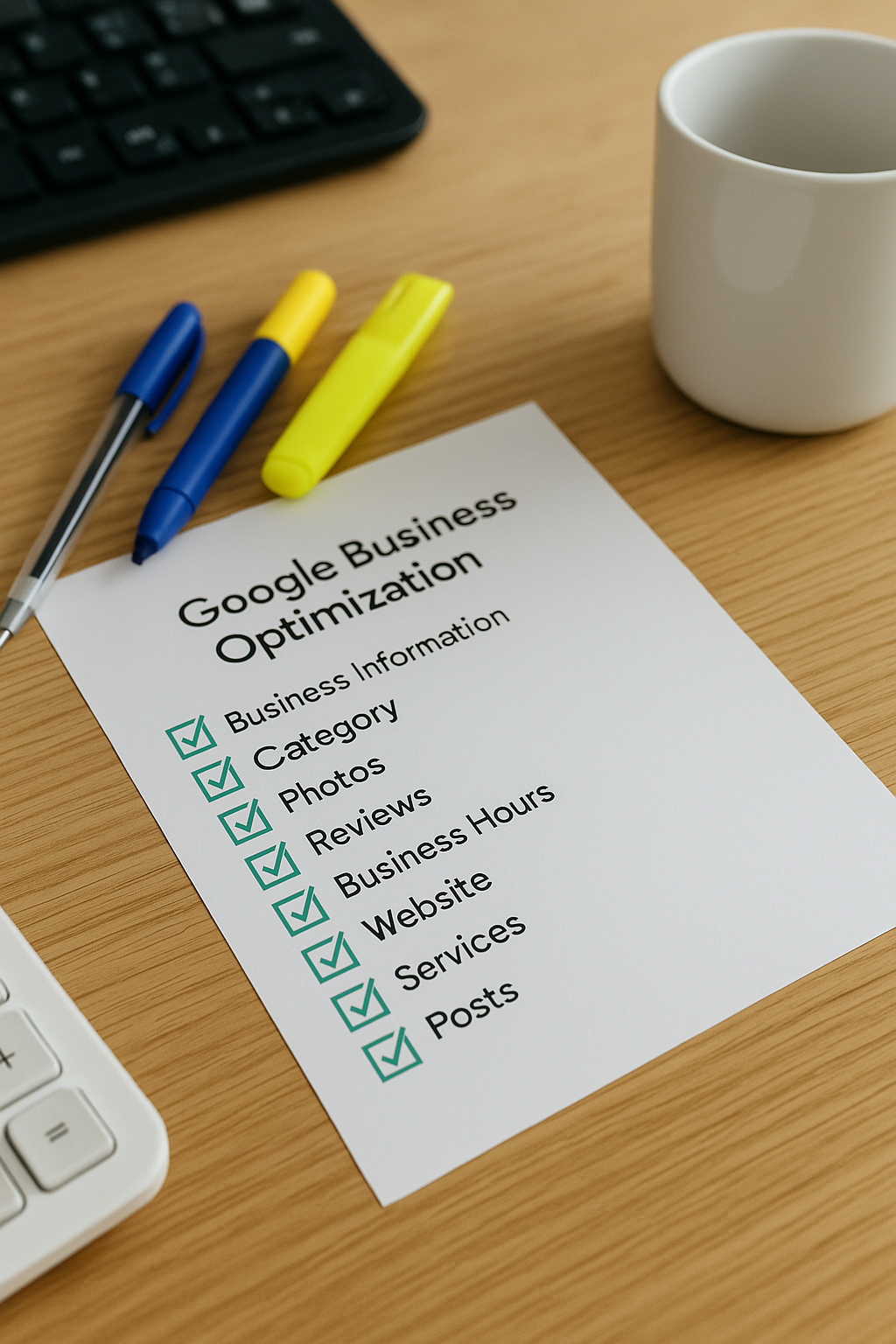
Posting updates, offers, and news keeps your listing active, engaging, and more likely to appear in local search results consistently.

Encourage genuine reviews and respond promptly to enhance reputation, increase customer trust, and improve local ranking on Google Maps.
Creating a presence on Google Maps begins with claiming your Business Profile through Google My Business. This process ensures your business details are accurate and visible to potential customers searching locally. Start by visiting the Google My Business website and signing in with a Google account associated with your business. From there, you can add your business name, address, contact details, and category, so your listing reflects your operations precisely.
Once your profile is set up, verification is essential to prove ownership. Google typically offers several verification methods, such as a postcard sent to your business address, phone verification, or email confirmation. Completing these steps not only enhances your credibility but also unlocks features to manage and update your listing regularly. By investing time in initial setup and verification, you establish a strong foundation for attracting local customers and improving your visibility on Google Maps.
Google Maps launched in 2005 and quickly became the world’s most popular online mapping service globally.
One of the most common mistakes businesses make is providing inconsistent or incorrect information when setting up their Google Business Profile (GBP). This includes errors in your business name, address, phone number, or website. Such inconsistencies can lead to confusion for potential customers and negatively impact your local search ranking.
Another key error is neglecting to verify your listing promptly. Without verification, your business will not appear fully on Google Maps or Search, limiting your online visibility. Ensuring all details are accurate and completing verification is essential to maximise your profile’s effectiveness and attract local customers.
Our expert team will guide you through adding your business to Google Maps, helping you reach more local customers and grow your online presence with ease.
Get Your Free Google Business Profile Audit