
Accurate Business Information
Ensure all business details such as name, address, and phone number are precise and consistent across platforms to build trust.

Creating a Google Business Profile is a crucial step for any organisation aiming to boost local visibility and connect with potential customers effectively. This simple yet powerful tool ensures your business information is accurate and easily accessible across Google Search and Maps, helping you stand out in a competitive market.
Our guide will walk you through the process of setting up your profile with clarity and confidence. Should you require expert support, our team is ready to assist you in maximising the benefits of your online presence and driving meaningful engagement.
Free Google Business Profile AuditEnsure all business details such as name, address, and phone number are precise and consistent across platforms to build trust.

Completing Google's verification confirms your business authenticity and enables you to fully manage your profile's features.

Selecting the most relevant business categories helps Google display your profile to the right audience and improves search visibility.

Uploading clear, professional images enhances your profile's appeal and encourages potential customers to engage with your business.
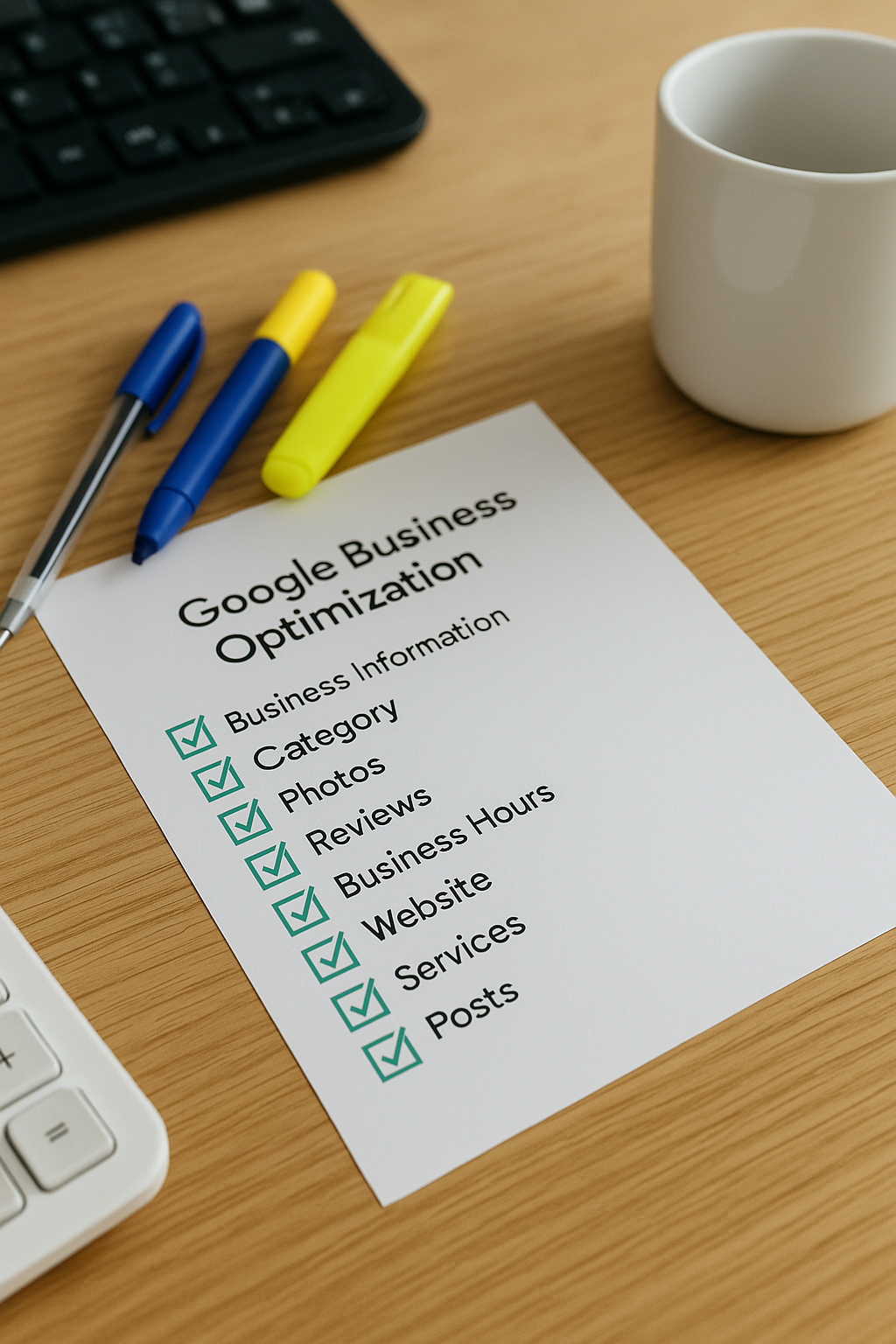
Frequently updating your profile with current information and posts keeps customers informed and signals active engagement to Google.

Encouraging and responding to reviews builds reputation, increases credibility, and positively influences customer decision-making.
The first step in creating your Google Business Profile is to visit the Google Business Profile Manager and sign in using your Google account. If you do not already have an account, you will need to create one. Next, enter your business name and confirm its details to ensure accuracy and consistency across all platforms.
Following this, provide your business address and specify the areas you serve, if applicable. This helps customers find you easily when searching online. You will also be prompted to choose the correct business category, which is vital for improving local search visibility.
Finally, verify your business through one of Google’s available methods, such as a postcard, phone call, or email. Verification confirms your legitimacy and allows you to manage your listing fully. Once verified, you can add photos, update business hours, and respond to customer reviews to enhance your profile further.
Creating a Google Business Profile can boost local searches by up to 70%, connecting you directly with nearby customers.

One of the most common errors when setting up a Google Business Profile is providing incomplete or inaccurate information. Failing to include essential details such as your correct business address, phone number, or opening hours can mislead potential customers and diminish your online credibility.
Additionally, neglecting to regularly update your profile or respond to customer reviews can harm your local reputation and search ranking. Taking the time to keep your profile accurate and engaging ensures that your business stands out and builds trust with your audience.
Our expert team will guide you through every step to create a compelling GBP profile that boosts your local presence and attracts more customers. Let us simplify the process for you today.
Get Your Free Google Business Profile Audit