

Secure Credentials
Always use strong, unique passwords to protect your Google Business Profile account from unauthorised access and potential cyber threats.

Accessing your Google Business Profile (GBP) account is a crucial step in managing your online presence accurately and efficiently. This guide offers clear, straightforward instructions to help you sign in with ease, ensuring you can update your business information, respond to customer reviews, and enhance your visibility across Google services.
Whether you’re new to GBP or looking to streamline your account management, our step-by-step approach simplifies the verification and sign-in process. By following these guidelines, you’ll gain secure access and maintain control over how your business appears to potential customers.
Free Google Business Profile AuditAlways use strong, unique passwords to protect your Google Business Profile account from unauthorised access and potential cyber threats.

Enable two-factor authentication to add an extra layer of security when signing in and safeguarding your business information online.

Assign appropriate user roles within your GBP account to control access and maintain effective management of business details.
Ensure recovery options such as a phone number or alternative email are up to date to facilitate seamless account recovery if needed.
Regularly review sign-in activity to detect any unauthorised attempts and keep your Google Business Profile account secure and trusted.

Use supported, updated browsers for the sign-in process to ensure full functionality and reduce risk of technical issues during access.
To begin managing your Google Business Profile effectively, the first step is to sign in using your existing Google account. Visit the designated sign-in page and enter your credentials carefully to ensure secure access. If you do not already have a Google account linked to your business, you will need to create one before proceeding.
Once signed in, you will have immediate access to your business profile dashboard, where you can update essential information, respond to customer reviews, and monitor your online presence. If you encounter any difficulties during sign-in, use Google’s account recovery options to reset your password or retrieve your username. Taking these initial steps will set a solid foundation for managing your business profile efficiently and enhancing your visibility online.
Google Business Profile sign-in helps millions manage their local presence, boosting visibility and customer trust worldwide.
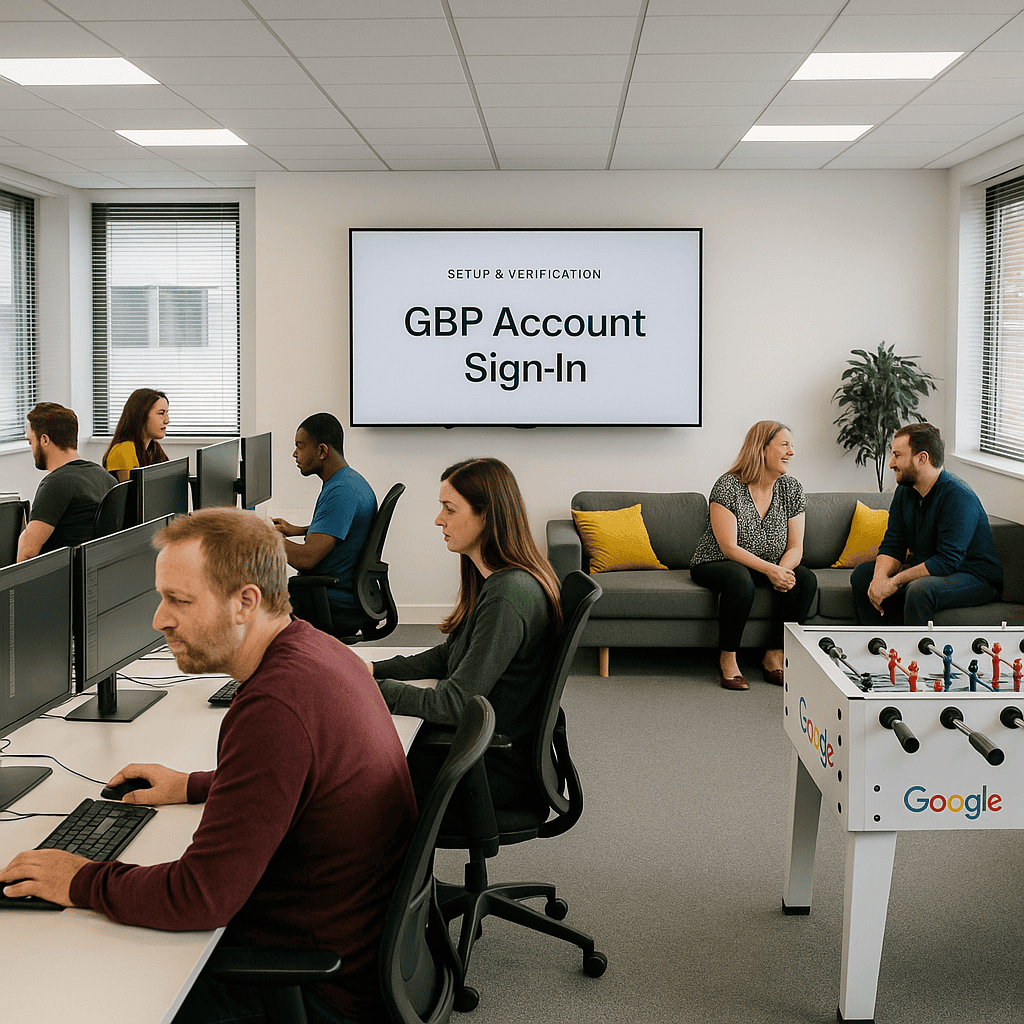
One common error when signing in to your Google Business Profile is using incorrect or outdated login details. This can lead to unnecessary delays and frustration, especially if you need urgent access to manage your online presence. Always double-check your email address and password before attempting to sign in.
Another critical mistake is neglecting to verify your account through the recommended security steps. Skipping verification not only compromises your account’s security but can also restrict access to important features. Ensuring you follow all verification prompts safeguards your profile and streamlines future sign-ins.
Our expert guidance ensures a smooth and secure sign-in process, helping you take full control of your online presence with confidence and ease.
Get Your Free Google Business Profile Audit